

CWA 2 is a prerelease (2.0.0-alpha), heading for a beta. It runs production sites; configuration can still change between releases, always with upgrade notes. View versions and support
Guides
Guides
Step-by-step guides that build a small CWA site, from a layout to a dynamic page. Who they're for and the order to follow.
These guides are for developers building their first CWA site. Each one adds one thing to the same project, with the least code that works, and links to the reference for the rest.
Before you start, install a project (see Installation) and read Key Ideas. The guides use its terms.
Follow them in order
| Guide | What you build |
|---|---|
| 1. Your First Layout | A layout with your header and footer, and an editable banner |
| 2. Your First Page Template | A page template with two component groups |
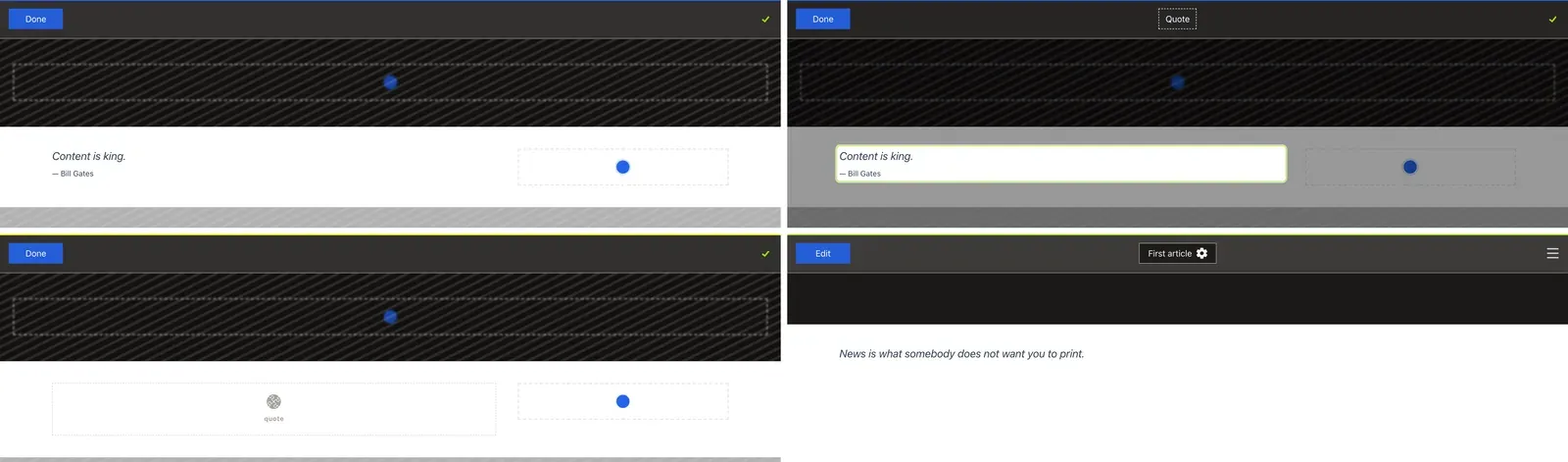
| 3. Your First Component | A Quote component: the PHP entity, the Vue file and an admin tab |
| 4. Alternative UI Variants | A second look for the same component, with style classes or a ui/ file |
| 5. Your First Dynamic Page | News articles that share one template page, each with its own URL |
Each guide follows the same steps: create the file, register it in nuxt.config.ts if it needs it, then create the record in the admin or in fixtures.
After the guides
- Core Concepts explains why CWA works the way it does.
- The Nuxt Module and API Bundle sections are the full reference for what the guides touched.